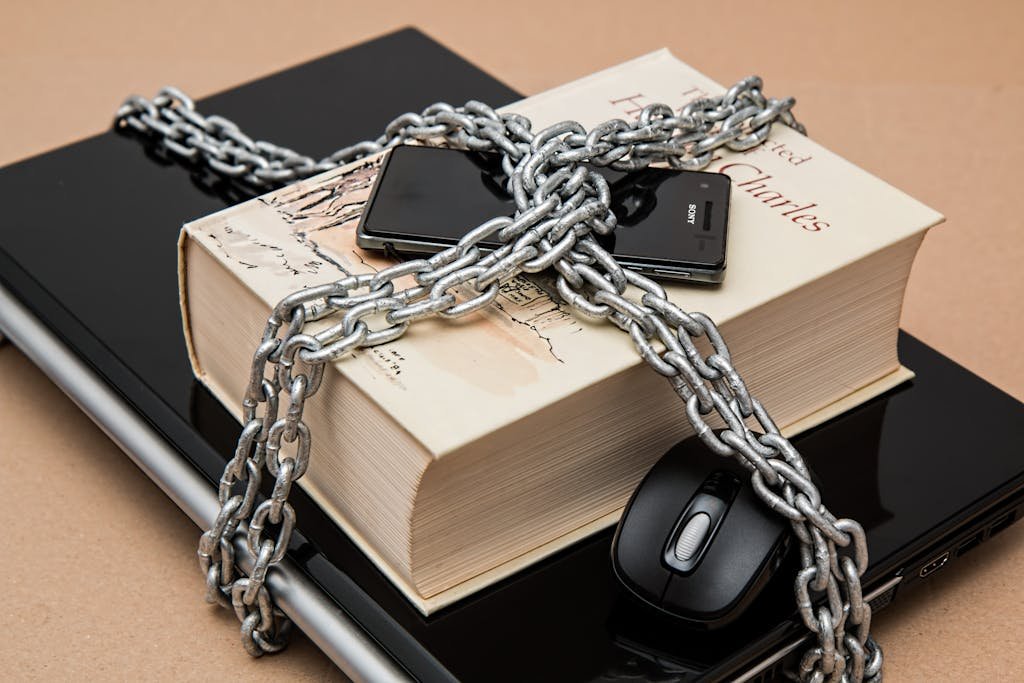
Best Password Managers for 2026
Best Password Managers for 2026, Keep Your Data Safe
Are you still using the same password for multiple accounts?
If yes, your data is at serious risk. Hackers rely on this habit to break into multiple accounts at once. Fortunately, the best password managers in 2026 solve this problem completely.
In this guide, the top 5 password managers are reviewed and compared. Free vs paid options, key features, and security levels are all covered.
Why Do You Need a Password Manager?
The Password Problem Explained Simply
The average internet user has more than 100 online accounts in 2026. Remembering a strong, unique password for each is simply impossible.
Here is what a password manager does for you:
🔐 Strong, unique passwords are created automatically
🛡️ All passwords are stored in an encrypted vault
⚡ Login forms are filled automatically
📱 Passwords are synced across all your devices
🔔 You are alerted when your passwords are compromised
What Is Password Encryption?
The best password managers use AES-256 encryption. This is the same standard used by governments and military organizations worldwide. As a result, even if the company is hacked, your passwords cannot be read by anyone.
Top 5 Best Password Managers in 2026
1. 1Password Best Overall
1Password is consistently rated the best password manager for individuals and families. Its interface is clean and easy to use. Moreover, advanced security features like Travel Mode are included.
Key Features:
AES-256 encryption + unique secret key
Travel Mode hides sensitive vaults at borders
Watchtower monitors data breaches
Password generator included
Biometric login supported
14-day free trial
Pricing:
Individual: $2.99/month
Family (5 members): $4.99/month
Pros: Best-in-class security | Clean design | Family sharing Cons: No permanent free plan
⭐ Rating: 5/5
2. Bitwarden Best Free Option
Bitwarden is the best free password manager available in 2026. It is completely open-source. Therefore, its code is publicly reviewed by security experts around the world.
Key Features:
100% open-source
Unlimited passwords on the free plan
End-to-end encryption
Syncs across all devices for free
Self-hosting option for advanced users
Pricing:
Free: Full features, unlimited passwords
Premium: $1/month (adds 2FA reports + file storage)
Pros: Completely free | Open-source | All devices synced Cons: Interface feels slightly basic
⭐ Rating: 5/5
3. Dashlane Best for Security Monitoring
Dashlane is the most feature-rich password manager in 2026. It includes dark web monitoring and a built-in VPN. However, these premium features come at a higher price.
Key Features:
Dark web monitoring (real-time alerts)
Built-in VPN included
Password health score
Auto password changer
Phishing alerts
Pricing:
Free: Limited to 25 passwords
Premium: $4.99/month
Pros: Most features included | VPN built-in | Dark web alerts Cons: Most expensive option
⭐ Rating: 4.5/5
4. LastPass Best for Ease of Use
LastPass is one of the most recognized password managers in the world. It is known for its simple and intuitive interface. In addition, an emergency access feature is included so trusted contacts can access your vault if needed.
Key Features:
Very user-friendly interface
Password generator
Dark web monitoring (Premium)
Emergency access feature
Multi-device sync
Pricing:
Free: 1 device type only
Premium: $3/month
⭐ Rating: 4/5
5. NordPass Best for NordVPN Users
NordPass is built by the NordVPN team. It uses XChaCha20 encryption — a newer and potentially stronger algorithm than standard AES-256. Furthermore, it integrates well with NordVPN for a complete privacy package.
Key Features:
XChaCha20 encryption
Data breach scanner
Password health checker
Emergency access
6 devices on premium plan
Pricing:
Free: 1 device, limited features
Premium: $1.99/month
⭐ Rating: 4/5
Password Manager Comparison Table 2026
| Manager | Free Plan | Standout Feature | Price/Month | Rating |
|---|---|---|---|---|
| 1Password | Trial | Travel Mode | $2.99 | ⭐⭐⭐⭐⭐ |
| Bitwarden | ✅ Unlimited | Open-source | $1.00 | ⭐⭐⭐⭐⭐ |
| Dashlane | 25 passwords | Built-in VPN | $4.99 | ⭐⭐⭐⭐½ |
| LastPass | 1 device type | Ease of use | $3.00 | ⭐⭐⭐⭐ |
| NordPass | 1 device | XChaCha20 | $1.99 | ⭐⭐⭐⭐ |